Blog
8 Script Writing AI Free Tools for eCommerce Ads 2026
Published July 21, 2026
You have a product to sell, three ad angles scribbled in a notes app, and not much time before the next campaign goes live. The immediate job is getting usable scripts for TikTok, Meta, Reels, or UGC-style creatives without spending half a day drafting from scratch.
Free script writing AI tools help at the exact point where ecommerce teams usually get stuck. They turn a blank page into a first draft fast enough to test hooks, objections, offers, and calls to action before the media budget is on the line. That matters for solo founders, lean in-house teams, and creators who need volume, but still need enough control to match the product, audience, and channel.
The catch is simple. Free does not always mean efficient.
Some tools are better at rough ideation. Some are better at turning a prompt into a script and video workflow in one place. Some give you speed but produce flat copy unless you feed them product details, customer pain points, and ad constraints. For ecommerce work, that trade-off matters more than a long feature list.
This roundup focuses on the practical question: which free tools are useful for ad scripting, and how should you use them for ecommerce campaigns? Each option is paired with real prompt angles, short-form ad workflows, and basic ethical checks so faster output does not turn into misleading claims, copied hooks, or generic scripts that sound like everyone else's.
Table of Contents
- 1. Kapwing – AI Script Generator
- 2. VEED – Free AI Script Generator
- 3. InVideo AI – Script + Video Automation
- 4. Simplified – AI Script Generator + Script-to-Video
- 5. Type.ai – Templates for YouTube/TikTok Scripts
- 6. Rytr – AI Writer with Video/YouTube Templates
- 7. Canva – Magic Write for Scripts/Copy
- 8. ChatGPT Free – General-Purpose Script Writing
- Top 8 Free AI Script Generators, Quick Comparison
- Next Steps to Script Your Winning Ecommerce Ads
1. Kapwing – AI Script Generator
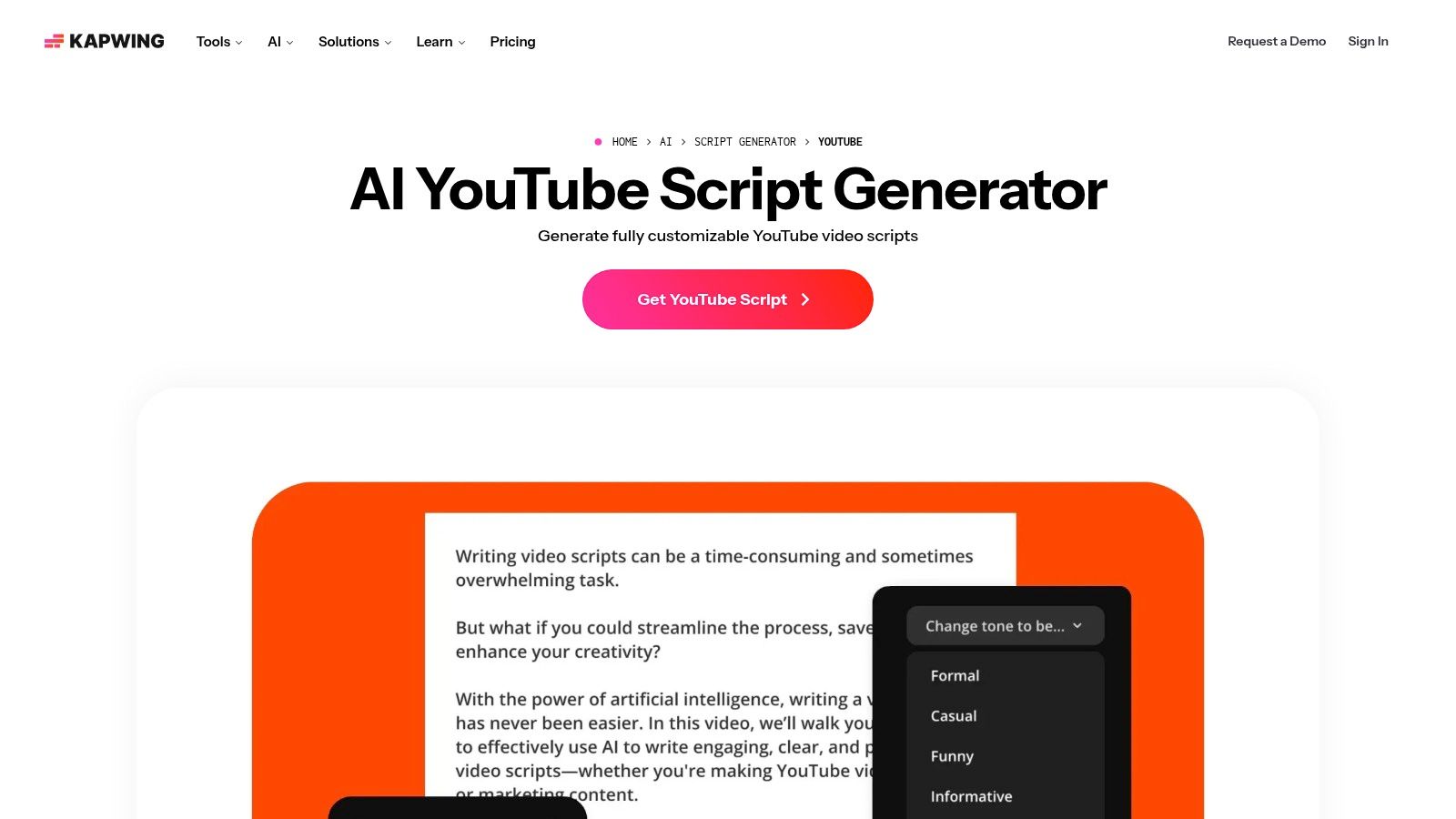
Kapwing is the kind of tool that makes sense when you don't want to separate writing from editing. If your workflow is “draft a hook, turn it into a short ad, add captions, trim it, and export,” Kapwing keeps those steps closer together than most free tools.
Its Kapwing AI script generator is especially useful for short-form structure. It's good at spitting out a recognizable opening, a middle section with talking points, and a CTA you can reshape. For ecommerce ads, that's enough to get to a first draft fast.
Where Kapwing fits best
Kapwing works best for product explainers, short UGC-style scripts, and top-of-funnel social ads where speed matters more than deep brand nuance. It's less ideal if you need long sales letters, heavy narrative continuity, or a lot of campaign memory across drafts.
What usually works in Kapwing is asking for structure, not polish. If you ask for “a high-converting ad script,” you'll often get generic lines. If you ask for “a 20-second Meta ad with a pattern interrupt in line one, one problem statement, one proof point, and a direct CTA,” the output gets tighter.
Practical rule: Use Kapwing to generate the skeleton. Rewrite the hook and the CTA yourself.
Prompt to use for ecommerce ads
Try this format inside Kapwing:
- Product context: “Write a 25-second script for a waterproof tote bag for commuters.”
- Audience detail: “Target women who carry laptops, lunch, and gym gear.”
- Format cue: “Use a UGC-style voice with spoken lines and on-screen text.”
- Conversion goal: “End with a direct purchase CTA for a first-order buyer.”
Kapwing's big advantage is that you can move immediately into visual assembly. That's helpful when you want to test whether the script reads well against footage, captions, and pacing. The trade-off is free-tier friction. If you make a lot of versions, you'll feel those limits fast.
2. VEED – Free AI Script Generator
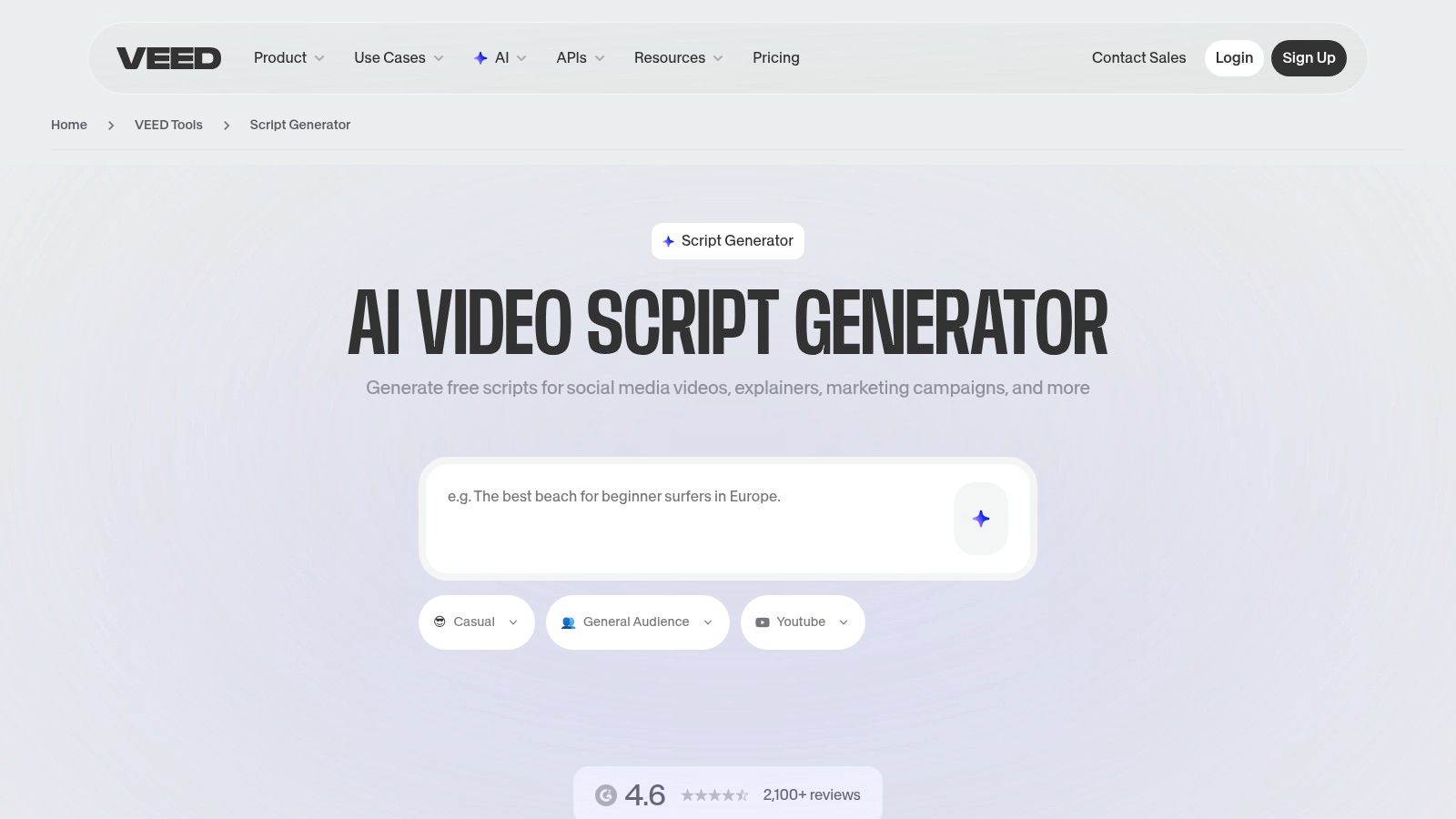
VEED is strong when you want quick, disposable first drafts across multiple social formats. That sounds harsh, but for ecommerce, disposable is often exactly what you need. You want to try five hooks for one product, kill the weak ones, and keep moving.
The VEED script generator is easy to use because it doesn't force a long setup. You can move from product idea to rough TikTok or Reels script quickly, and that matters when you're testing angles like “problem-solution,” “giftable,” “before-after,” or “why I switched.”
What VEED gets right
VEED is better than some all-purpose tools at social formatting. It tends to produce shorter, more visually minded scripts, which suits product clips, founder videos, and ad variants built for scroll-stopping rather than long persuasion.
It's also helpful for batch ideation. If you need several versions of the same pitch, VEED's workflow feels lighter than a full writing app. That makes it practical for DTC brands producing lots of small experiments.
- Best use case: Quick TikTok and Reels scripts for one product angle at a time
- What it doesn't solve: Deep positioning, nuanced claims review, and final brand voice
- Best editing move: Cut any line that sounds like a slogan nobody would say out loud
Best workflow for product angle testing
Start with one product and one audience. Don't ask VEED to write for “everyone.” Ask it to write for a tired parent, a gym commuter, a skincare buyer, or a traveler. The narrower the audience, the less mushy the script gets.
Then generate three versions:
- Version one: Problem-first hook
- Version two: Desire-first hook
- Version three: Objection-first hook
A free tool is doing its job if it gives you three usable starting angles. It doesn't need to deliver the final ad.
VEED's downside is familiar. The best video outputs sit deeper in the paid side. But as a pure script drafting tool for social ads, it's one of the easier free starting points.
3. InVideo AI – Script + Video Automation
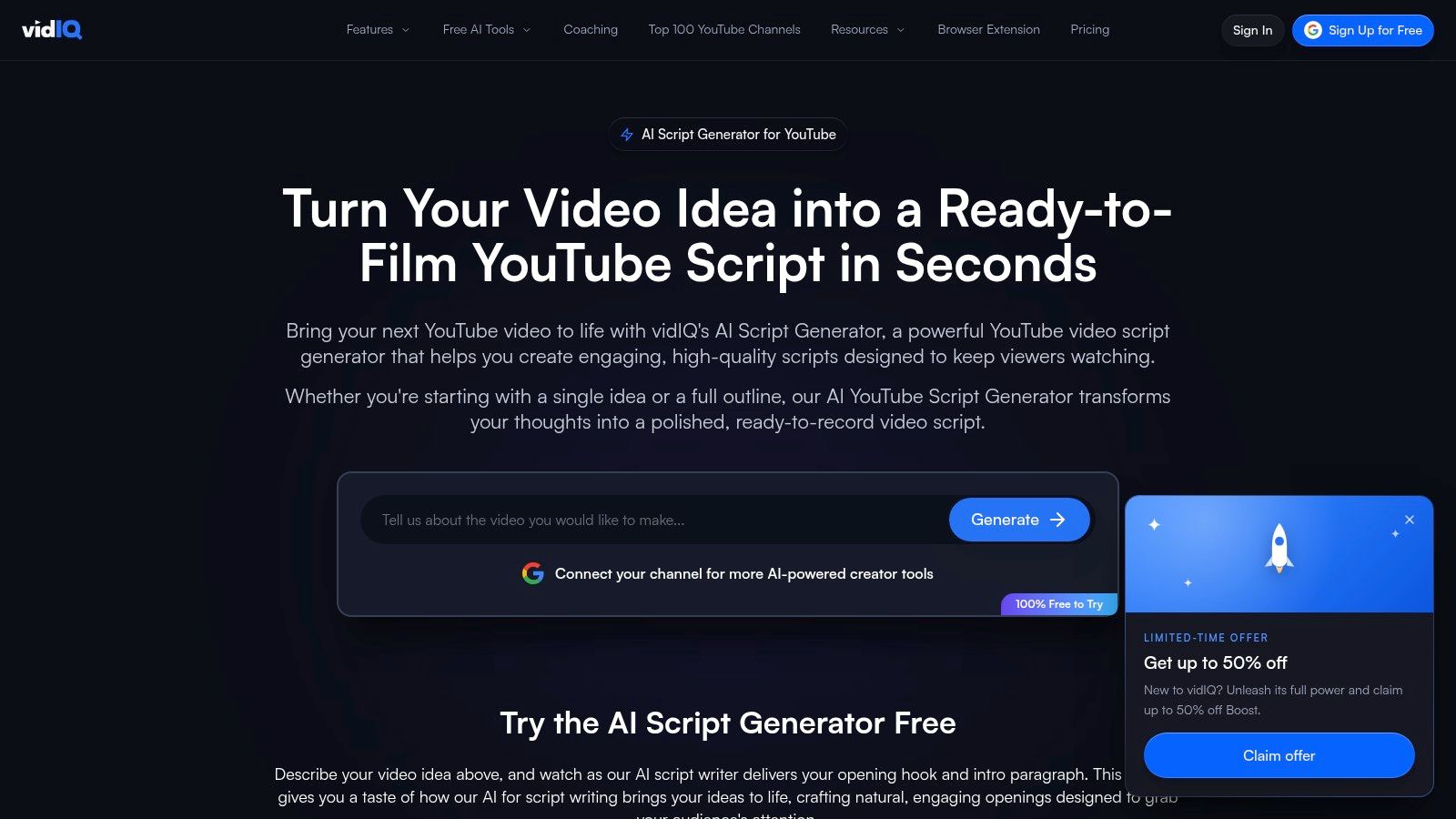
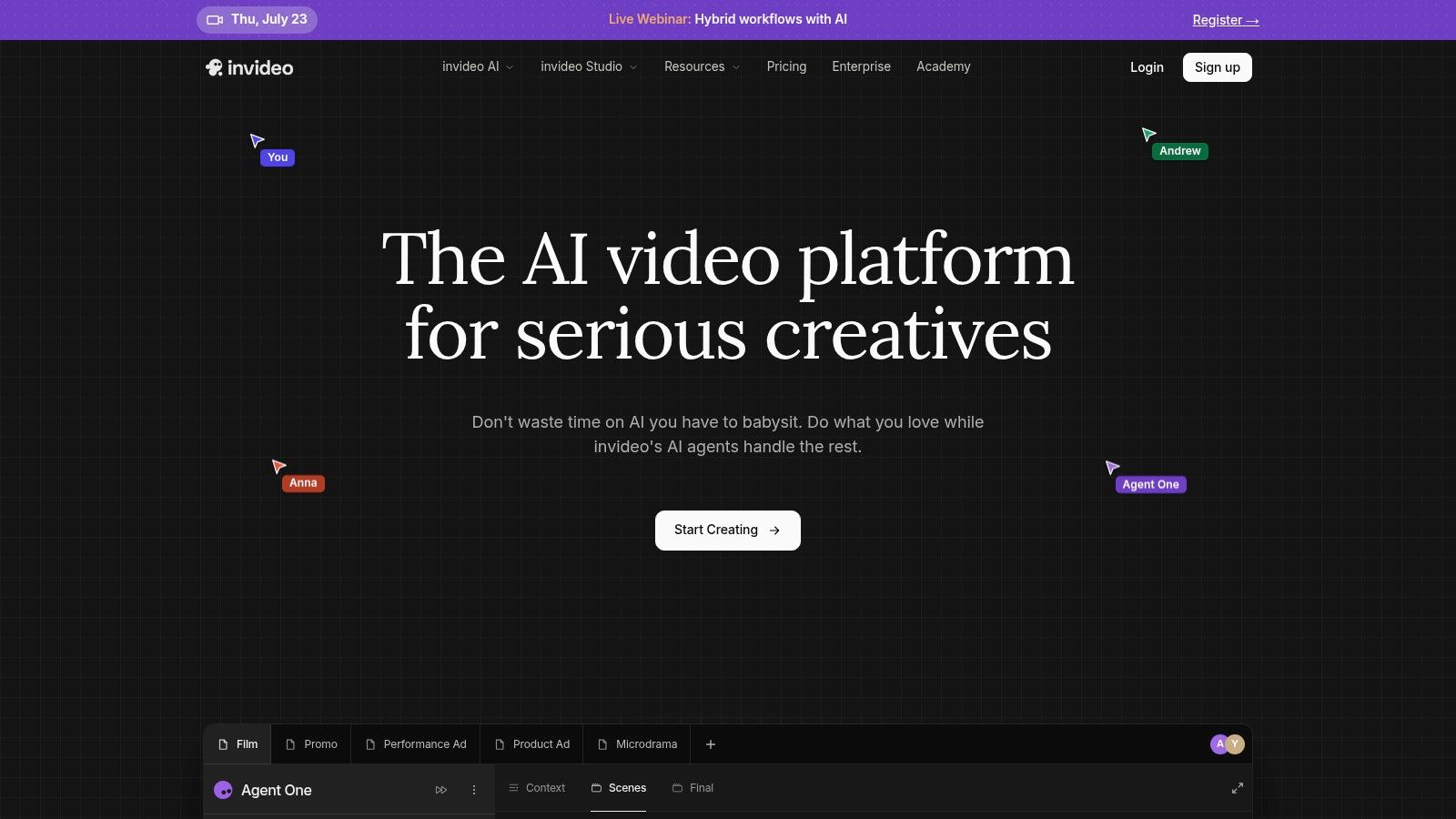
A common ecommerce bottleneck looks like this. The team has a product page, a sale deadline, and no edited video yet. InVideo AI is useful in that situation because it turns one input into a rough script, visual sequence, voiceover, and draft ad fast enough to test the angle while it still matters.
You can start at InVideo AI. The free version is enough to judge whether you want an all-in-one script-to-video workflow. If you want to see how brands use that kind of workflow in practice, this roundup of AI-generated commercials for ecommerce teams is a good companion.
Where InVideo AI earns its spot
InVideo AI is strongest at compressing production steps. Instead of writing in one tool, pulling stock in another, and recording scratch audio somewhere else, you get a rough asset you can react to right away.
That matters for ecommerce ads. A plain script can look promising on the page and still fail once pacing, visuals, and CTA timing show up together. InVideo helps you catch those problems early. It also makes it easier to compare ad concepts for a product launch, bundle offer, or seasonal promotion without waiting on full creative production.
The trade-off is quality control. The first draft often sounds generic, the visuals can drift away from the product, and any claim pulled from your page still needs a human review before publishing.
Best use case for ecommerce teams
Use InVideo AI when the question is, "Should we test this angle at all?"
It works well for:
- Offer validation: Turn a discount, bundle, or new product drop into a quick ad draft
- Creative pre-testing: Compare a problem-solution version against a lifestyle version
- Founder-led brands: Build a rough ad before spending time on custom filming
- Landing page repurposing: Use product page copy as source material for a short social script
It is less useful when brand voice is the whole point. If your ads depend on sharp humor, strong UGC realism, or regulated claims language, expect to rewrite heavily.
Prompt structure that gets better outputs
InVideo responds better to constraints than broad ideas. Give it the product context, the audience, the placement, and the exact output you need.
Use a prompt like this:
- Source material: “Use this product page URL for a stainless steel travel mug”
- Audience: “Write for commuters who want coffee to stay hot during a 45-minute train ride”
- Ad angle: “Focus on leak prevention and one-handed use during busy mornings”
- Placement: “Optimize for a 30-second Instagram Feed ad”
- Output: “Provide hook, spoken script, scene directions, on-screen text, and one CTA”
- Quality check: “Avoid claims the product page does not support”
That last line matters. AI tools are good at filling gaps. In ad work, filling gaps can turn into invented benefits, inflated promises, or visuals that imply features the product does not have.
A practical review pass before you publish
For ecommerce, I would not ship the first InVideo draft untouched. Review these four points first:
- Claim accuracy: Does the script say only what the product page can support?
- Visual match: Do the scenes reflect the product, buyer, and use case you sell to?
- Hook clarity: Is the first line built for a shopper, not for an AI demo?
- CTA fit: Does the call to action match the offer and destination page?
Free usage has limits, and watermarks or capped generations can slow serious testing. Even with that constraint, InVideo AI remains one of the more practical free options when the goal is to go from product page to testable ad draft in one session.
4. Simplified – AI Script Generator + Script-to-Video
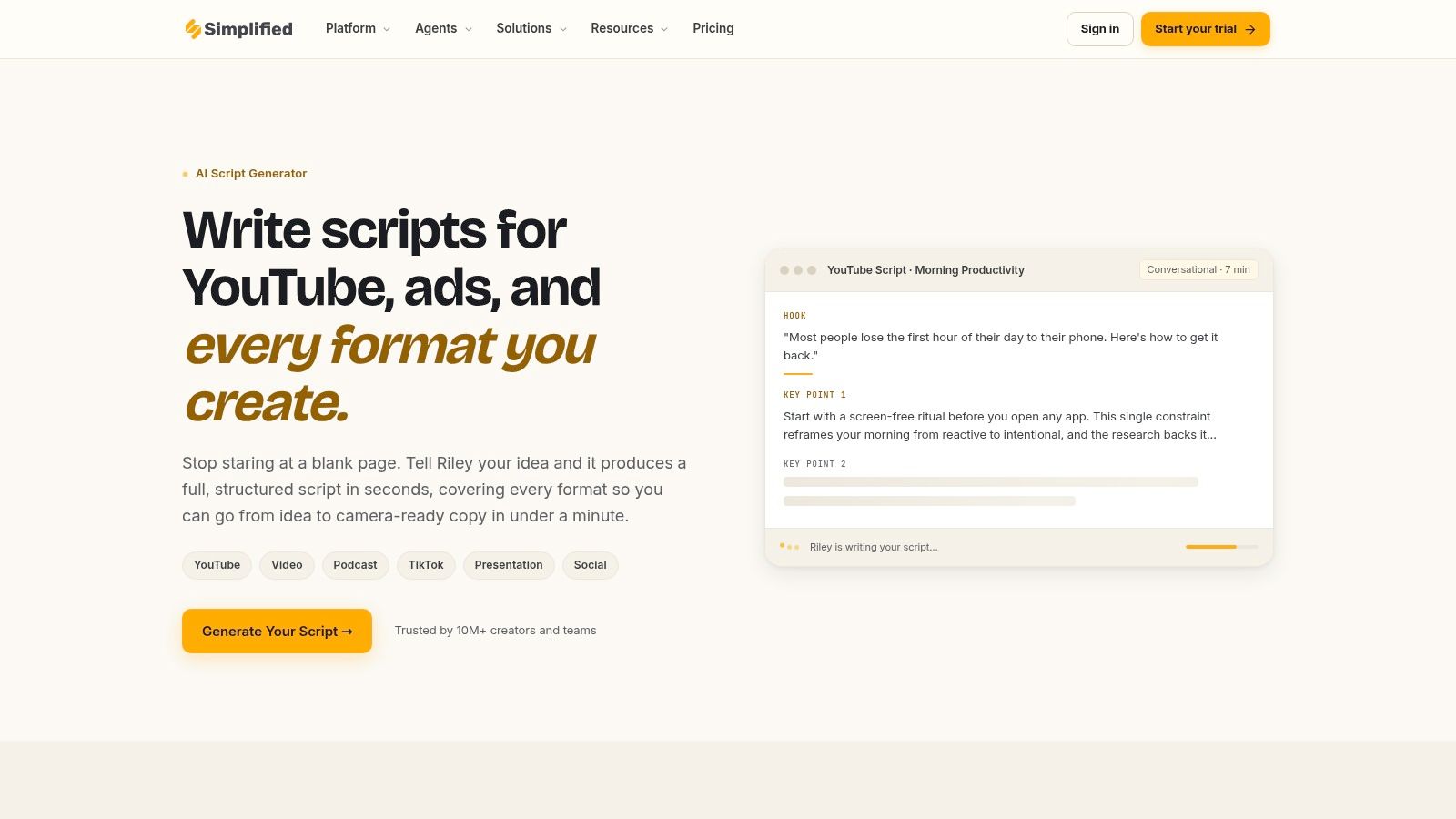
Simplified is useful when your ad workflow isn't only writing. A lot of small ecommerce teams need one place for script drafts, simple design work, and social scheduling. That's where Simplified feels more practical than specialized writing tools.
The Simplified AI script generator gives free users 2,000 AI words per month. For ecommerce ads, that's enough for multiple short scripts, several rewrites, or a small batch of hook variations if you're disciplined.
Who should use Simplified
Simplified works well for founders and lean marketing teams who need an all-in-one workspace more than best-in-class writing. It's not the strongest pure script writer in this list, but it reduces tab switching. That alone can make it worth using.
The downside is that a word cap changes how you work. You can't wander. You need short prompts, specific asks, and fewer throwaway generations.
- Best for: Small brands making social ads, simple graphics, and drafts in one place
- Weak spot: Free usage runs out fast if you use it like a chatbot
- Good habit: Generate hooks separately from body copy so you don't burn words on rewrites
A practical prompt for short ads
A good Simplified prompt is compact:
“Write three 15-second Instagram ad scripts for a posture corrector. Audience is remote workers with neck tension. Tone is direct, not hypey. Each version needs a different hook, one product benefit, and a short CTA.”
That prompt keeps the tool focused and preserves your free usage. If you ask for long multi-format scripts with elaborate brand context, you'll waste output and still end up editing heavily.
Simplified is best treated like a compact production desk. Use it for first drafts, visual pairing, and quick campaign support. Don't expect it to carry the whole strategic side of your messaging.
5. Type.ai – Templates for YouTube/TikTok Scripts
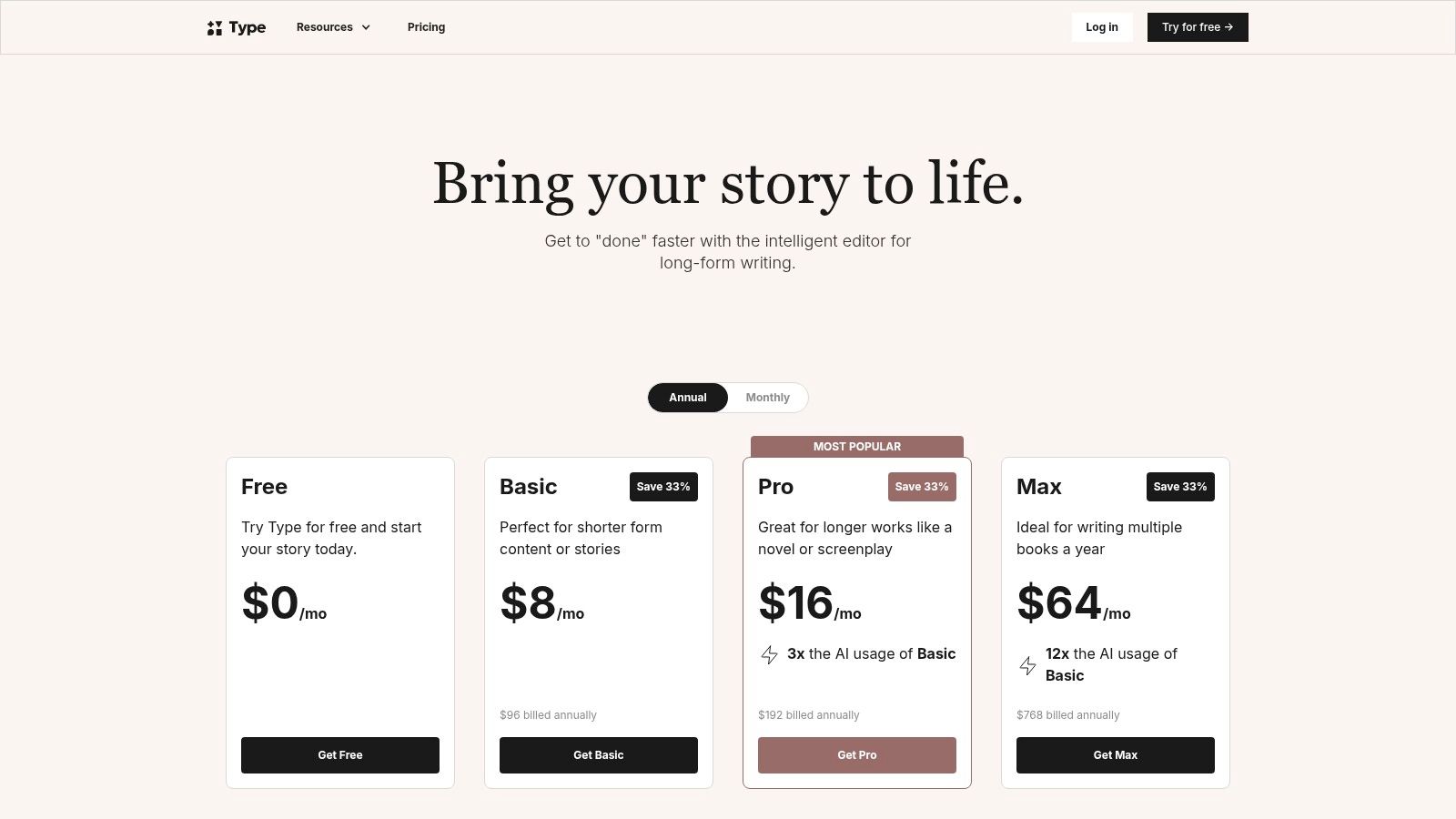
Type.ai is calmer than most tools in this category. That matters more than it sounds. A lot of script generators push you toward quick snippets, scattered templates, and noisy interfaces. Type.ai gives you a cleaner drafting space and pushes more structure into the writing itself.
You can review access and tiers on Type.ai pricing. For script drafting, its template-driven approach is useful when you want a coherent first pass before moving to editing or video tools. It also helps if you're trying to sharpen the difference between a script and general marketing copy fundamentals.
Why Type.ai works for structured drafts
Type.ai is better for founders who think through messaging in paragraphs before cutting it into scenes. If your process starts with “What am I trying to say?” rather than “Give me five hooks now,” this tool fits.
It's especially workable for founder-led videos, talking-head product explainers, and longer TikTok or YouTube-style scripts where sequence matters. You get less of the frantic template feel and more of a draft that can be shaped.
How to adapt it for ecommerce
The trick is not to ask Type.ai for polished ad copy first. Ask for a spoken narrative, then trim.
Try prompts like:
- Story setup: “Write a founder-style script explaining why I created this leakproof lunch container.”
- Audience: “Target office workers tired of messy bags and containers that crack.”
- Voice: “Make it conversational, skeptical of hype, and easy to speak on camera.”
- Constraint: “No generic superlatives. Use plain language.”
“If the script doesn't sound speakable on the first read, it isn't ready for ad use.”
Type.ai's limitation is obvious. It doesn't handle the production side. You'll export into another tool for visuals, captions, or assembly. But if your biggest problem is weak first drafts, Type.ai can fix that faster than a busier all-in-one app.
6. Rytr – AI Writer with Video/YouTube Templates
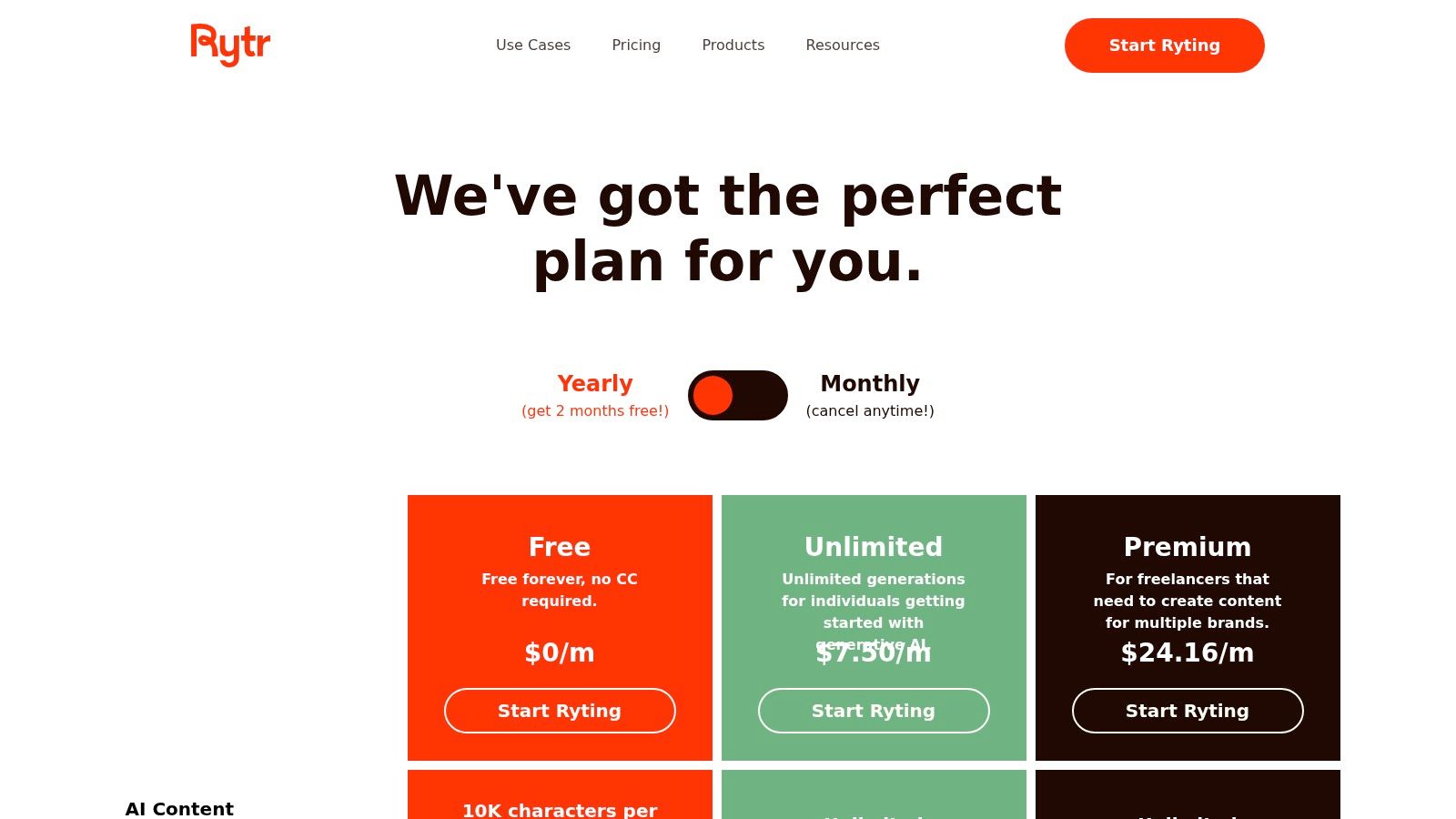
Rytr is useful when the problem is volume. A store owner testing three offers, two audiences, and five hooks does not need a polished brand manifesto first. They need options they can sort fast.
You can explore its free plan and upgrades on Rytr pricing. For ecommerce teams, it works best as a first-pass generator for hooks, product angles, and rough spoken lines that you refine with a sharper ad copy writing process.
Where Rytr earns a spot
Rytr is strongest at turning one product into many usable starting points. That matters for paid social because script testing usually fails from lack of angle variety, not lack of words.
I would use it for UGC intros, problem-first openings, offer callouts, CTA variants, and short YouTube pre-roll drafts. I would not use it for a founder story, a premium brand voice, or any script where credibility depends on sounding like a real person with product knowledge.
A simple rule helps: keep Rytr on generation duty, not final approval.
- Best use: Create 10 to 20 hook variations for one SKU before editing down to two or three strong concepts
- Weak use: Long-form scripts that need pacing, skepticism, or a distinct founder voice
- Editing check: Cut lines that sound like banner copy, broad claims, or anything you would never say out loud on camera
A practical Rytr workflow for ecommerce ads
Start narrow. Give it one audience, one pain point, one format, and one constraint. Broad prompts produce broad copy.
Try prompts like:
- Hook batch: “Write 8 opening lines for a UGC-style ad for a leakproof shaker bottle. Target gym commuters who are tired of spills in their bag. Keep each line under 12 words.”
- Benefit angle: “Write 5 short spoken lines that explain why a magnetic phone wallet is useful for busy parents during school drop-off.”
- Offer frame: “Write 6 CTA lines for a skincare bundle ad. Avoid hype. Mention the starter bundle, not a dramatic transformation.”
- YouTube pre-roll: “Write a 20-second skippable ad script for a pet camera. Open with a problem in the first sentence.”
Then do the part Rytr will not do well on its own. Check for factual accuracy, strip out generic praise, and make sure the script matches the actual product page, reviews, and footage you have.
That ethical check matters more in ecommerce than people admit. If the tool writes a claim your product cannot support, or invents a customer frustration your buyers do not have, the script may test well for clicks and still hurt trust. Rytr is fast. It is not careful for you.
Used that way, Rytr saves time. It gives you raw material for ad testing without pretending to be your final scriptwriter.
7. Canva – Magic Write for Scripts/Copy
Canva is the obvious pick if your copy and your creative already live in the same place. That sounds basic, but for a solo store owner building ads after work, convenience often beats sophistication.
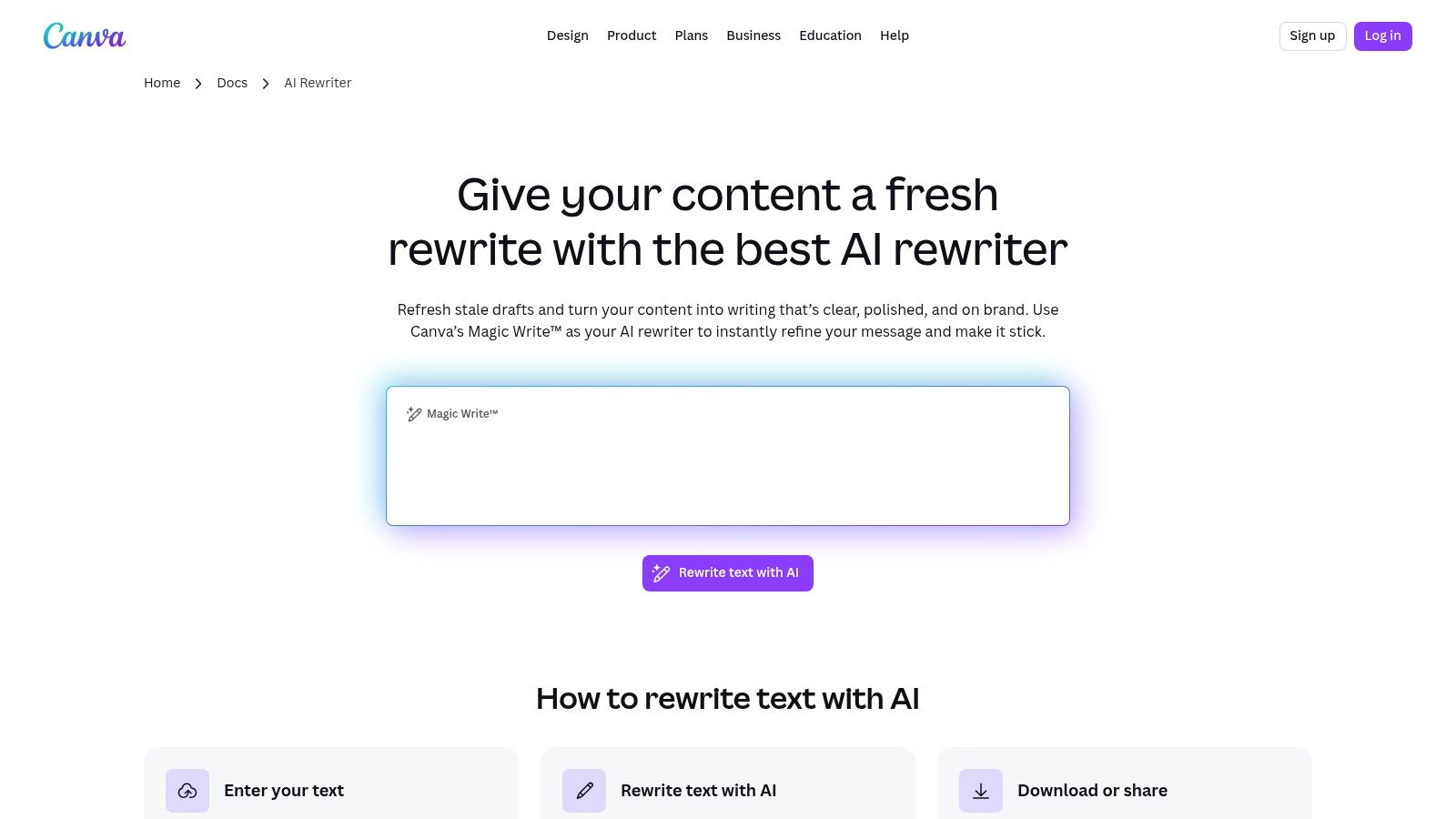
You can access its writing tools through Canva AI text features. Magic Write is handy for scripts, captions, and scene text, but its real value is what happens next. You can move the words straight into designs, storyboards, social layouts, and basic video assets while keeping your ad copy workflow practical and visual.
Canva's real advantage
Canva helps when you want to see copy in context early. A line that looks fine in a doc can feel too long once it sits inside a 9:16 frame with product footage and text overlays. Canva exposes that problem early.
That makes it useful for ecommerce ads where visual density matters. Short scripts, text-heavy promos, offer creatives, and creator briefs all benefit from being drafted close to the design layer.
A simple Canva workflow for ad mockups
Write the script in Canva Docs first. Then turn the strongest phrases into visual beats:
- Hook frame: One short sentence for the first seconds
- Problem frame: A quick pain point or relatable moment
- Benefit frame: One clear product payoff
- CTA frame: A short action line that fits the design
Reality check: Canva often writes safe copy. Safe copy is easy to post and easy to ignore.
That's the trade-off. Canva is excellent for workflow speed, collaboration, and visual pairing. It's less reliable if you want surprising hooks or sharper persuasion. Use it to draft and lay out. Bring your own edge in the final rewrite.
8. ChatGPT Free – General-Purpose Script Writing
A common ecommerce scenario looks like this. The product page is done, the offer is clear, and the ad team still needs three very different scripts by the end of the day. One for a UGC-style Meta ad. One for a founder read. One for a short product explainer. ChatGPT is often the fastest free place to get those first drafts on the page.
You can use it directly at ChatGPT. The free version is enough to practice the fundamental skill behind good outputs: giving it tight inputs, clear constraints, and a specific job.
Where ChatGPT actually helps
ChatGPT works best as a flexible drafting partner, not a finished-script machine. It is useful when the brief keeps changing, which is normal in ecommerce. A single product can need a discount ad, a problem-solution script, a testimonial rewrite, and six new hooks for retargeting. Template-first tools are faster when the format is obvious. ChatGPT is better when you need to shape the format yourself.
That flexibility is the reason many marketers default to it, as noted earlier. The upside is range. The downside is quality control. If the prompt is vague, the output usually sounds polished, generic, and too confident.
Practical ecommerce prompt workflow
The strongest way to use ChatGPT for ad scripts is to prompt in layers. Start with the product, customer, and offer. Then force the model to write for a channel and script style.
A prompt that usually gives usable ad angles looks like this:
- Role: “Act as a direct-response ecommerce scriptwriter.”
- Product: “A portable blender for commuters.”
- Customer: “Busy professionals who skip breakfast and buy convenience products.”
- Offer: “Intro discount plus free shipping today.”
- Format: “Write 3 short video ad scripts: 1 UGC, 1 problem-solution, 1 urgency-led promo.”
- Constraints: “No fake claims, no health promises, no filler words, no generic praise.”
- Output rule: “For each script, include hook, body, proof point, and CTA.”
For social ad workflows, I would go one step further and ask for variants by placement. Request one version for a 15-second Reel, one for a TikTok-style talking-head ad, and one with on-screen text only. That gets closer to production reality than a generic “write me an ad script” prompt.
Better use cases than generic script drafting
ChatGPT is especially useful for rewriting rough source material. Paste in customer reviews, product FAQs, objections from support tickets, or bullet points from the product page, then ask it to turn that material into spoken lines. That tends to produce sharper ads than asking for ideas from scratch.
It is also good for angle expansion. Feed it one working concept and ask for five new hooks aimed at different buyer motivations such as convenience, price sensitivity, giftability, or time savings. For ecommerce teams testing creative volume, that matters more than fancy script formatting.
Ethical checks you should not skip
ChatGPT will sometimes invent proof, overstate results, or write claims that sound compliant until you read them closely. Check every script for unsupported outcomes, fake urgency, exaggerated before-and-after language, and testimonial-style lines that imply results you cannot prove.
A simple review pass helps:
- Remove claims you cannot verify
- Replace broad promises with concrete product facts
- Check that the CTA matches the actual offer
- Read the script out loud for unnatural phrasing
ChatGPT stays near the top of this list because it handles ideation, rewrites, and angle testing in one free tool. The trade-off is clear. You get range and speed, but you have to supply the structure, the brand judgment, and the final ethical review.
Top 8 Free AI Script Generators, Quick Comparison
| Product | Core features | UX / Quality (★) | Value & Pricing (💰) | Target audience (👥) | Unique selling points (✨/🏆) |
|---|---|---|---|---|---|
| Kapwing – AI Script Generator | Free AI script gen, script→video automation, editor, captions | ★★★★ | 💰 Truly usable free tier; paid limits for heavy use | 👥 Creators & ad-firsters | ✨ Fast idea→script→video in one editor · 🏆 genuinely free entry |
| VEED – Free AI Script Generator | Multi-format script gen, Gen‑AI Studio, avatars (paid) | ★★★★ | 💰 No-signup free access; advanced outputs paid | 👥 DTC makers & social creators | ✨ Quick batching/no signup · 🏆 "no limits" scripting claim |
| InVideo AI – Script + Video Automation | Script, stock footage assembly, voiceover, captions | ★★★ | 💰 Credit-based free trials; paid tiers for quality/length | 👥 Marketers testing many ad variants | ✨ Single-prompt/URL→draft video pipeline |
| Simplified – AI Script Generator + Script-to-Video | Script templates, script→video, 2,000 AI words free, design & scheduling | ★★★★ | 💰 Free 2,000 words/mo; upgrades for exports & removal of caps | 👥 Small teams & social managers | ✨ All-in-one writing + design + scheduling workspace |
| Type.ai – Templates for YouTube/TikTok Scripts | Script templates, long-form editor, template-driven drafts | ★★★ | 💰 Free to start; paid for higher capacity | 👥 Creators wanting structured long-form drafts | ✨ Clean, focused drafting environment |
| Rytr – AI Writer with Video/YouTube Templates | Free‑forever writer, template library, quick output | ★★★ | 💰 Free-forever with caps; low-cost upgrades | 👥 Budget creators & batch ideators | ✨ Affordable batch ideation on $0 |
| Canva – Magic Write for Scripts/Copy | Magic Write, integrated design/video templates, collaboration | ★★★★ | 💰 Free with fair‑use caps; Pro/Teams lift limits | 👥 Designers, social teams & agencies | ✨ Write + design in one place · 🏆 strong collaboration/brand tools |
| ChatGPT (Free) – General-Purpose Script Writing | Versatile drafting, angle frameworks, revision & iteration | ★★★★ | 💰 Free tier usable; paid for premium models | 👥 Writers & creators needing rapid iteration | ✨ Excellent for prompts/iterations · 🏆 highly flexible general-purpose tool |
Next Steps to Script Your Winning Ecommerce Ads
You have a product page, a few customer reviews, and a small test budget. The practical next move is not picking a single free AI tool and hoping it writes a winning ad on the first try. It is setting up a simple workflow you can repeat every week: one tool for angles and first drafts, one tool for turning those drafts into something you can review on screen.
For ecommerce teams, the cleanest setup is usually one of these: ChatGPT or VEED for hook generation, then Canva, Kapwing, or InVideo AI to check pacing, visuals, and whether the script still works once product shots, captions, and CTAs are added. That split matters because a script that reads well in a text box often falls apart in a 15 second ad.
Tool choice should follow the job.
Pick ChatGPT if you need flexible prompting and fast rewrites across multiple customer angles. Pick Kapwing or VEED if you want short social scripts with less setup. Pick InVideo AI if rough video speed matters more than tight copy control. Pick Simplified or Canva if your writing, design, and publishing happen in the same workflow. Pick Type.ai if your team writes better from structure and templates. Pick Rytr if you want low-cost variations for testing hooks at volume.
The free tier is useful for one reason. It lets you prove whether a workflow produces better ads before you pay to scale it.
That matches how ecommerce brands usually adopt tools. They start with one SKU or one offer, test several hooks, keep the prompts that produce usable drafts, and only upgrade once the process saves time or improves results. Mordor Intelligence describes the broader script and screen writing software market as a growing category, which fits what these products are doing in practice. They are built to get users started quickly, then charge when output limits, export controls, or team features start to matter. Mordor Intelligence's screen and script writing software market report gives that category context.
The core work is quality control. Free AI tools are good at producing plausible copy. They are not good at protecting your brand on their own.
Run every draft through three checks before it reaches Ads Manager. First, accuracy. If the script claims a result, ingredient benefit, delivery promise, or pricing detail, verify it against the product page. Second, brand fit. A luxury skincare brand, a discount gadget store, and a subscription coffee business should not sound the same. Third, speakability. Read the script out loud. If the sentence feels stiff, over-explained, or stuffed with claims no customer would say, rewrite it.
Ethics matter here too, especially in ecommerce. Do not let the tool invent testimonials, exaggerate product outcomes, imply medical or financial guarantees, or manufacture fake urgency. Free generators are trained to sound persuasive. That does not mean every persuasive line is safe to run.
A practical workflow looks like this: generate three hooks tied to specific buying triggers, such as problem aware, outcome aware, and offer aware. Build one short script for each. Turn them into rough ads with product visuals and captions. Launch a small test, watch hold rate and click-through rate, then keep the prompt patterns that produce stronger openings. Over time, the prompt library becomes more valuable than any single draft.
If you want a faster path than stitching together separate writing and ad-planning tools, Social Loop AI helps first-time ecommerce owners turn a product URL into a practical Meta ads launch plan, clear buyer angles, and brand-aware creatives you can test. It's built for beginners who need structure, not agency jargon, and it also supports social media posts using the same workflow.